Steps to Get GIPHY API Key
1. Visit https://developers.giphy.com
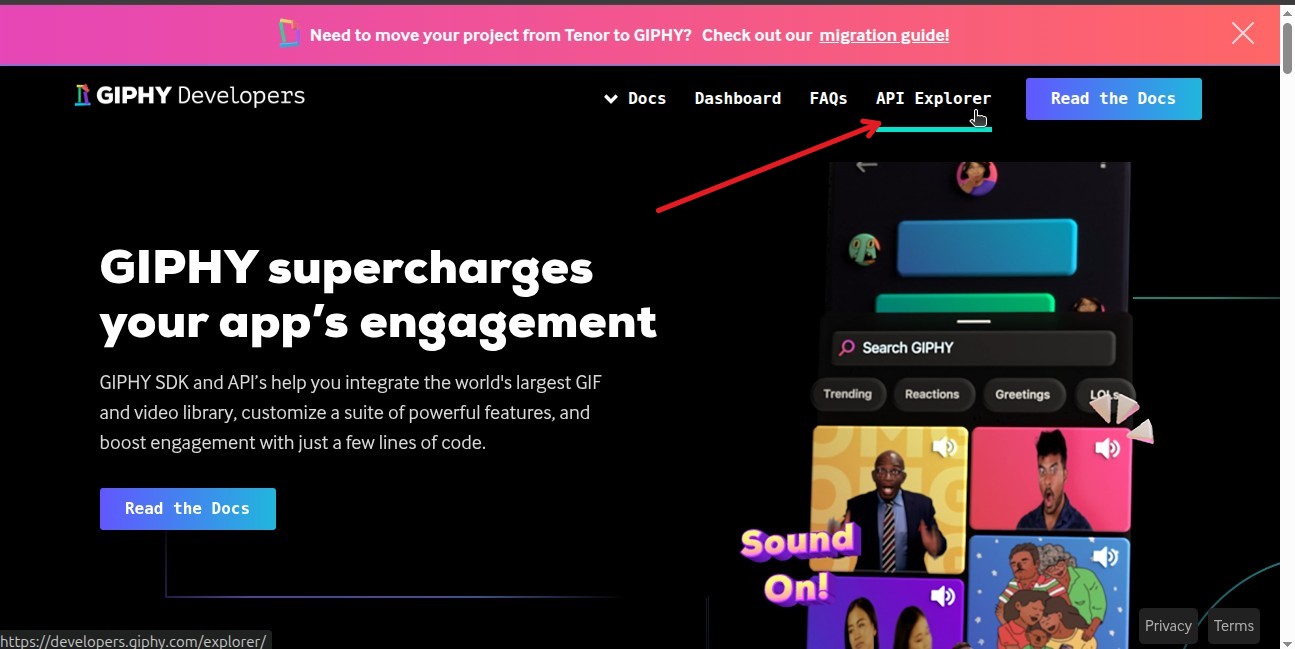
2. Click on the API Explorer.
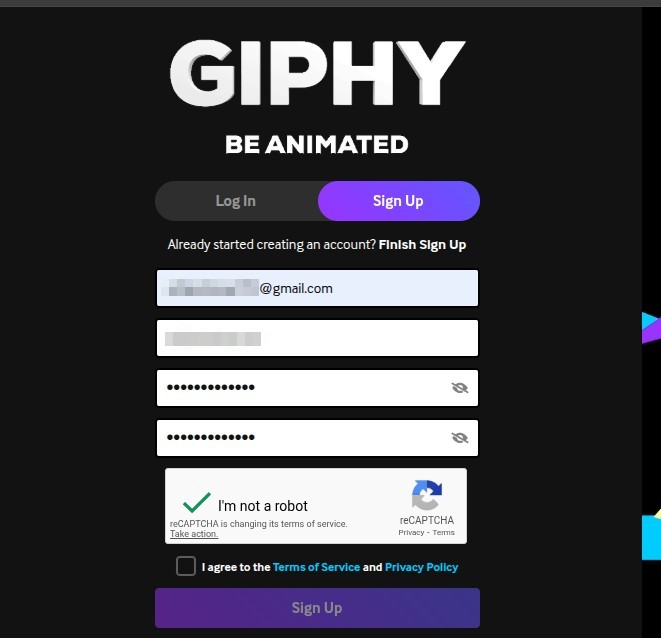
3. Sign In if you already have credentials or Sign Up for new giphy account.
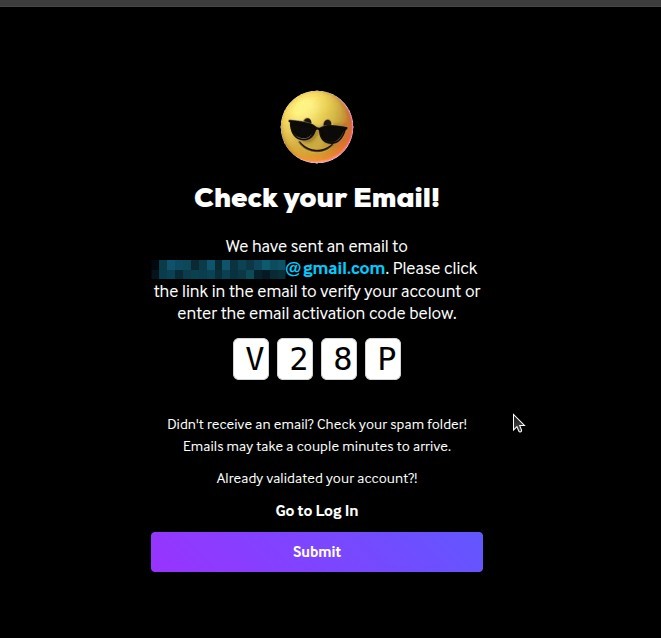
4. Enter Activation Code or click the link the email to verify your account
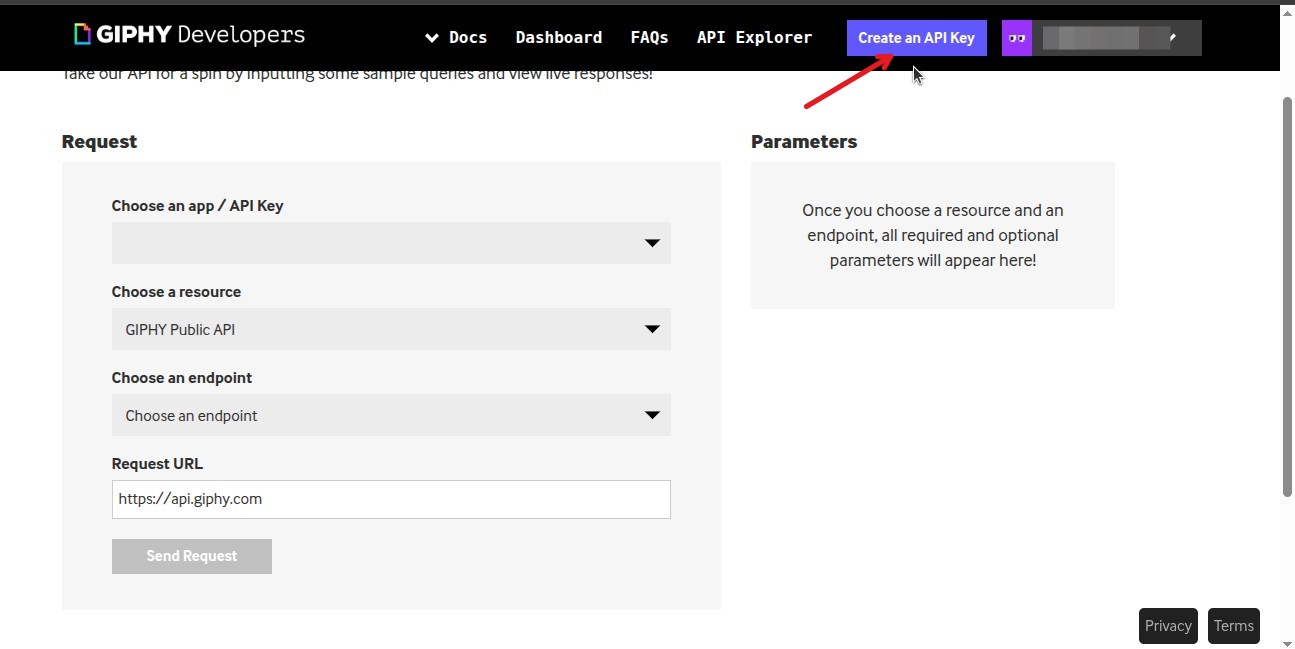
5. Click on “Create an API Key”
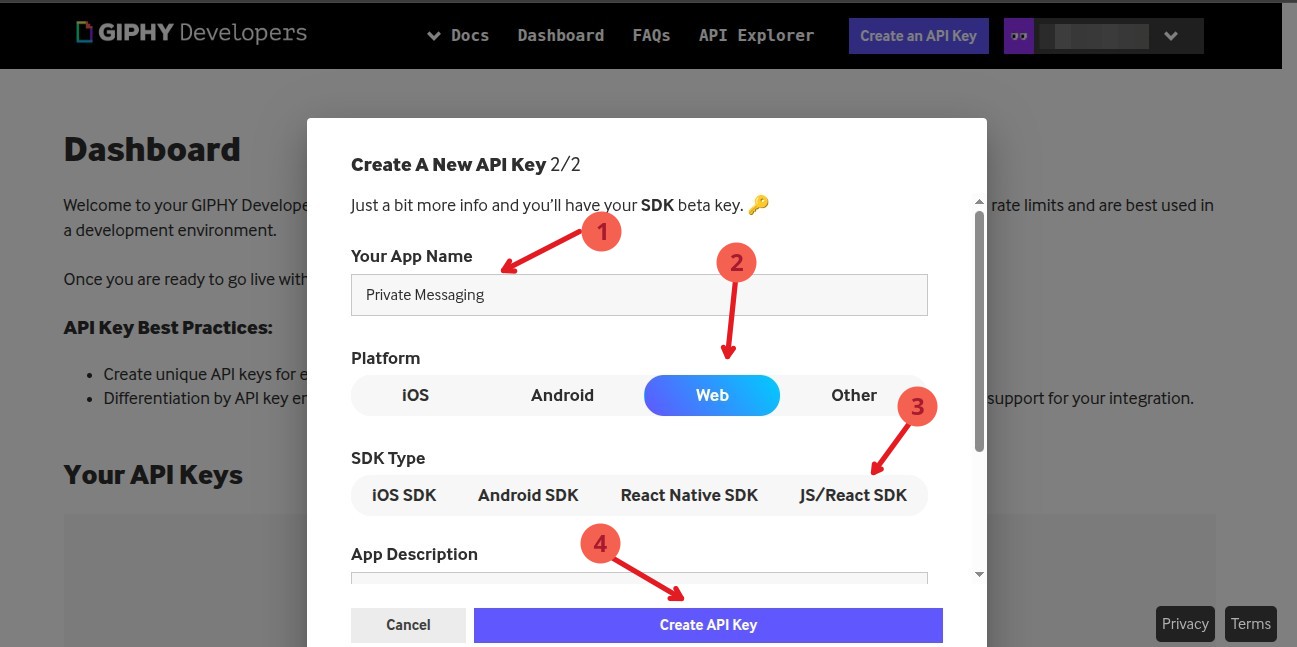
6. Follow the Popup instruction to create API Key
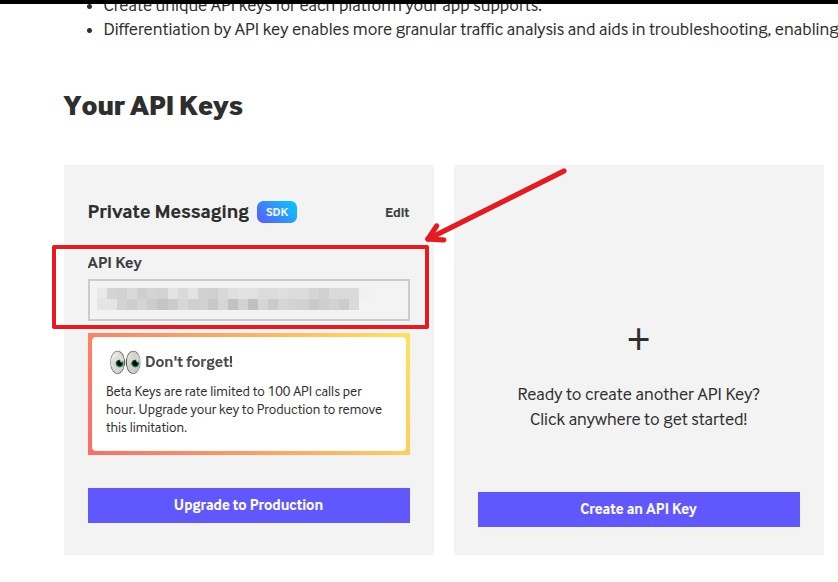
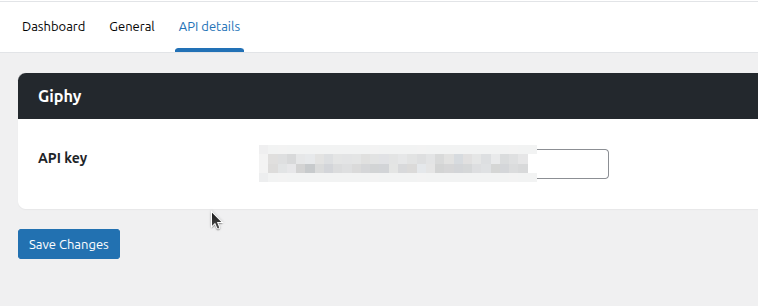
7. Copy the API Key and Paste in the API Details tab.
Usage
To use the GIF feature, enter your Giphy API key in API details tab.
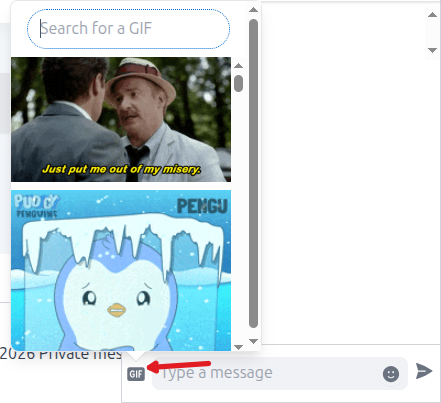
Once you’ve saved your API details, a “GIF” icon will appear in the chat window. Please click it to browse and use GIFs.