After purchasing the plugin, you will receive an email containing the download link for the plugin ZIP file along with your license key for activation.
Let’s see how to install and set up the Private Messaging for BuddyPress plugin.
- Download the plugin ZIP file.
- Go to Plugins > Add New in your WordPress dashboard.
- Click Upload Plugin and select the ZIP file.
- Click Install Now and then Activate.
License Activation
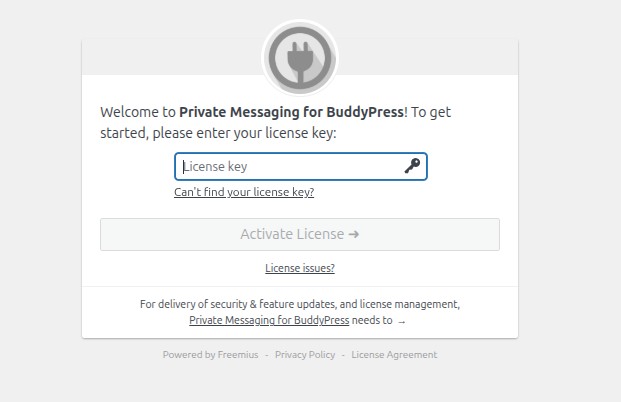
After activation, you will be prompted to connect your site to Freemius.
- Enter your license key when prompted.
- Follow the on-screen instructions to complete the activation.
- Once activated, you can access settings via Private Messaging in the admin menu.