Navigate to Private Messaging > General to configure the core features.
Design
Primary Color: Customize the main color used for the chat widget, buttons, and accents to match your brand.
Chat Settings
Enable Chat: Globally turn the chat widget on or off.
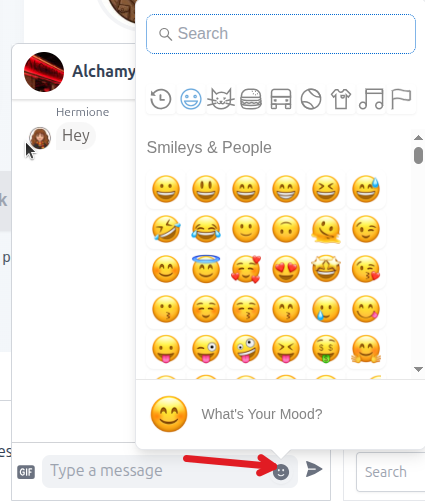
Enable Emoji: Allow users to express themselves with emojis. Click on ’emojis icon’.
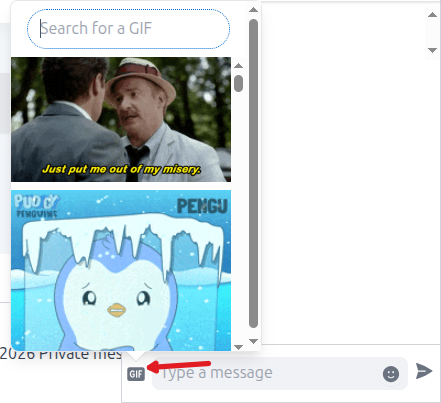
Enable GIFs: Integrate with Giphy to allow users to send GIFs.
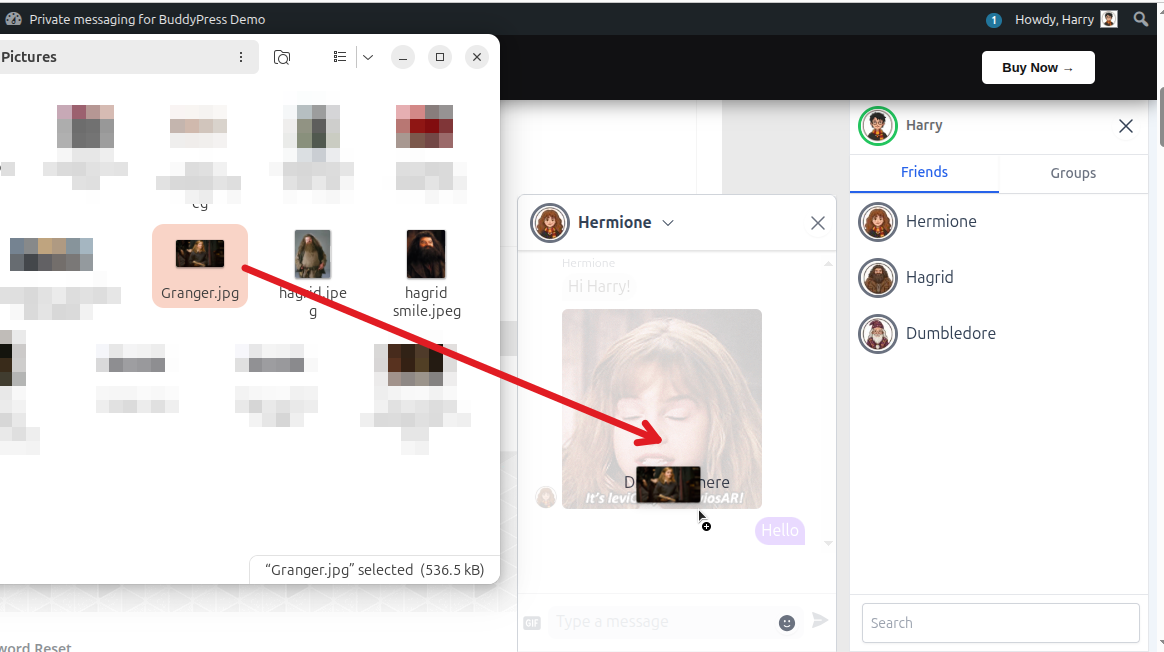
Allow File Upload: Drag and Drop file to Enable file sharing within conversations.
Formats: Specify allowed extensions (e.g., pdf, docx, jpg).
Max Size: Set the maximum file size (in MB) for uploads.
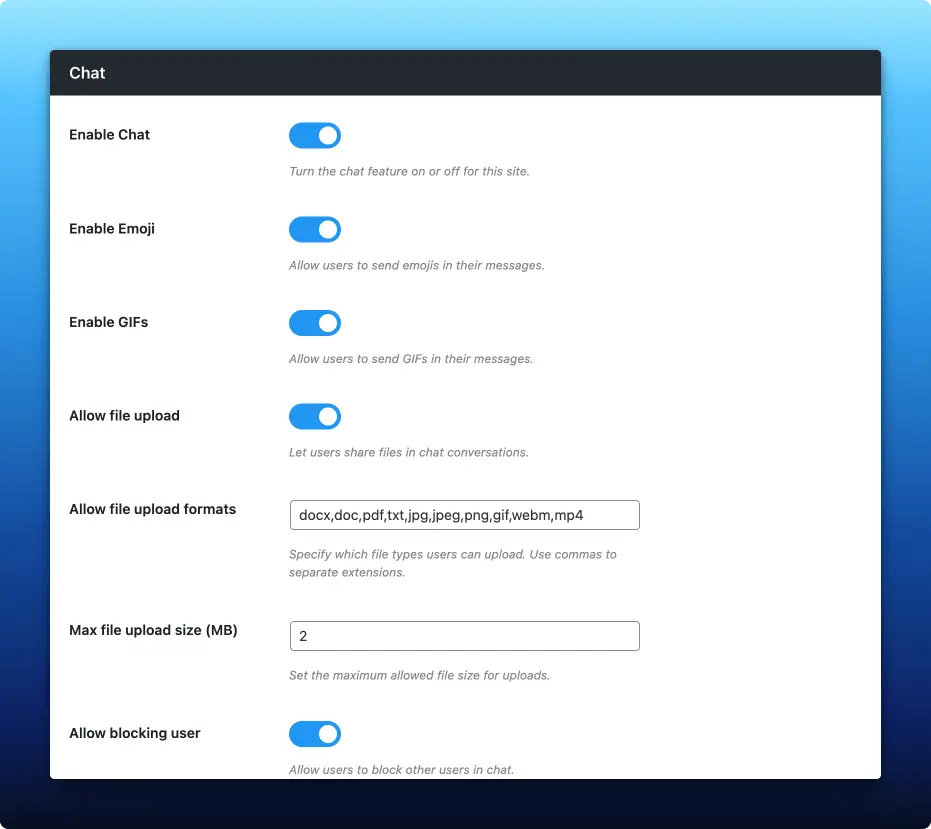
User Blocking:
Allow blocking user: Let users block others to prevent unwanted messages.
Role Restrictions: Specify user roles (like Administrators) that cannot be blocked.
API Details
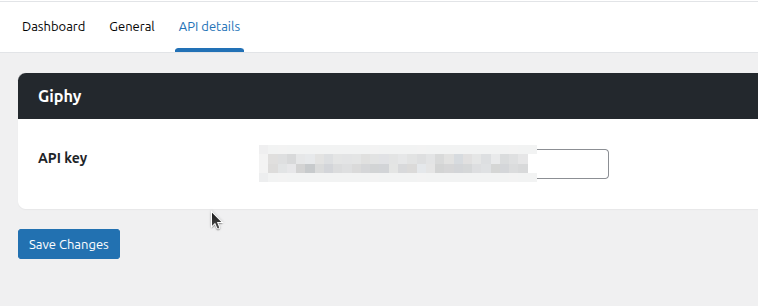
Giphy API Key: To use the GIF feature, enter your Giphy API key here.