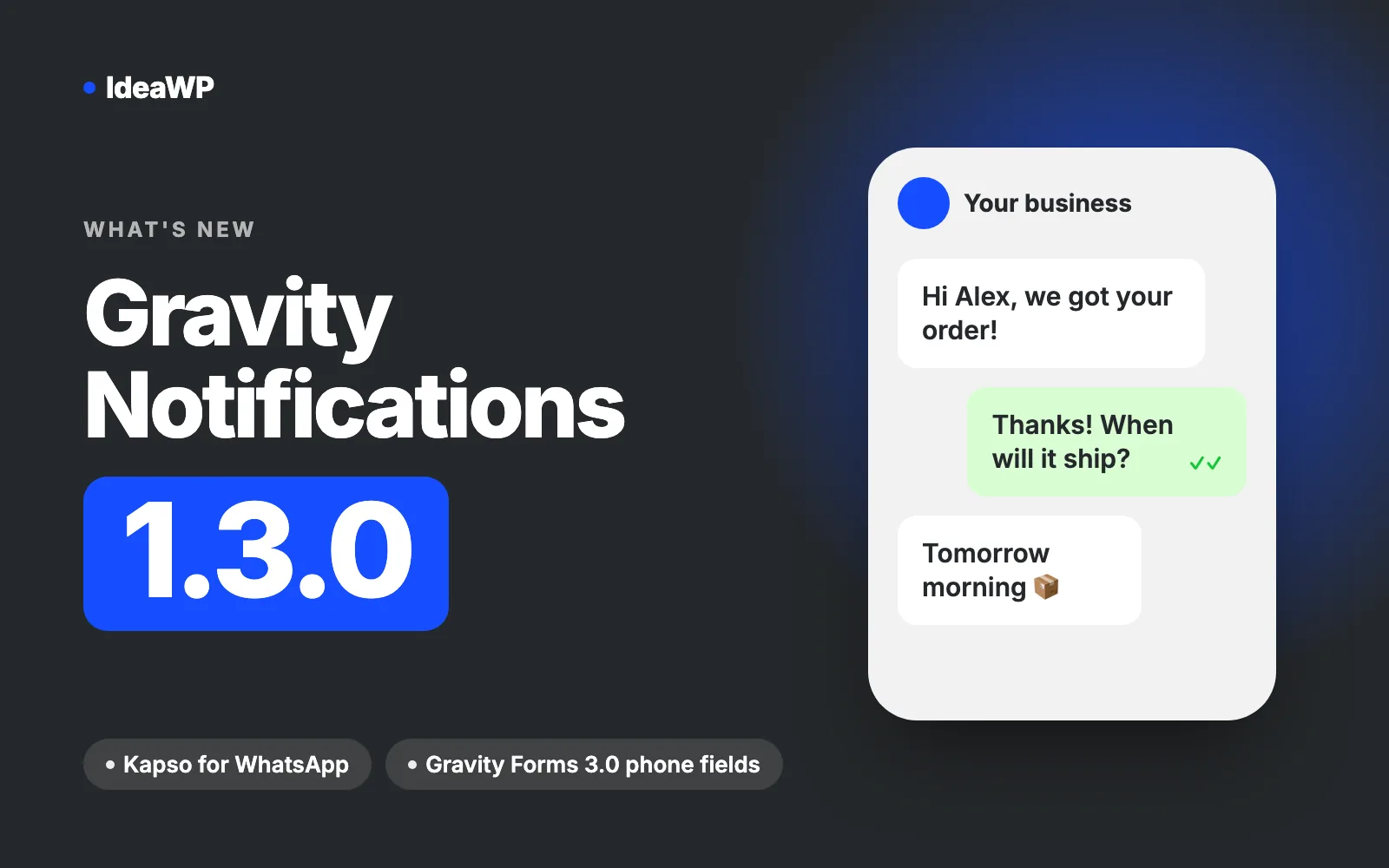
Gravity Notifications 1.3.0 is out. The headline change is Kapso, a new WhatsApp provider that takes most of the pain out of connecting WhatsApp. This release also adds support for the new phone field in Gravity Forms 3.0 and fixes a few bugs.
Here’s what’s new.
Kapso: the easiest way to connect WhatsApp
Until now, sending WhatsApp messages from Gravity Notifications meant using the Meta Cloud API directly. That works, but setting it up is a project of its own: a Meta developer app, a WhatsApp Business Account, system users, permanent access tokens and a WABA ID to dig out.
With 1.3.0 you can pick Kapso instead. Kapso is a WhatsApp API platform built on top of Meta’s official Cloud API. You sign up, get a WhatsApp number (or a free sandbox number to test with), create an API key, and you’re done.
In Gravity Notifications → WhatsApp, choose Kapso from the provider dropdown and enter two values:
- Kapso API Key, from Integrations → API keys in your Kapso dashboard
- Kapso Phone Number ID, from Phone numbers in your Kapso project
That’s it. You don’t need to enter a WhatsApp Business Account ID: Gravity Notifications looks it up from your phone number and API key. Your approved message templates then show up in your WhatsApp feeds as usual.
New to Kapso? Our step-by-step guide walks through the whole setup, from creating the Kapso project to sending your first message: How to set up Kapso with Gravity Notifications. The settings page links to it too.
Already using the Meta Cloud API?
Nothing changes for you. Meta Cloud API is still available and is selected for existing sites. After updating, your credentials stay verified, your cached templates are kept and your feeds keep sending exactly as before. Switch to Kapso only if you want to.
Support for the Gravity Forms 3.0 International phone field
Gravity Forms 3.0 added a new phone format: International (formatted). It shows a country selector next to the Phone field and saves the full international number, which is exactly what WhatsApp and SMS need.
Gravity Notifications 1.3.0 works with it out of the box:
- Messages go to the field’s full international (E.164) number, for example
+14155550123, so the country code is never missing. - The plugin doesn’t add its own country selector to these fields, so you won’t see two dropdowns stacked on top of each other.
To use it, edit your form, open the Phone field and set Phone Format to International (formatted).
The International Phone Input setting is now legacy
Older versions of Gravity Forms had no international phone format, so Gravity Notifications shipped its own country code selector, enabled with the International Phone Input setting.
Now that Gravity Forms does this natively, that setting is renamed Enable International Phone Input (legacy) and is off by default on new sites. The settings page recommends the Gravity Forms International (formatted) field instead, or suggests updating Gravity Forms if you’re on a version older than 3.0.
If you already turned the setting on, it stays on. Your forms keep working the way they do today.
Bug fixes
- Phone input styling: the Gravity Forms reset styles could break the layout of the international phone number input. This is fixed.
- Translation notice: WordPress 6.7+ showed a “
_load_textdomain_just_in_timewas called incorrectly” notice for Gravity Notifications. The plugin now loads its translations at the right time, so the notice is gone.
For developers
There’s a new filter, idea_gn_can_create_feed, that controls whether a new feed can be created. By default, Gravity Notifications only allows it once your SMS (Twilio) or WhatsApp credentials are verified. Return true or false to override that, for example to limit feed creation to administrators:
add_filter( 'idea_gn_can_create_feed', function ( $can_create ) {
	return current_user_can( 'manage_options' ) ? $can_create : false;
} );
We also updated the bundled Freemius SDK to 2.13.5.
How to update
Go to Dashboard → Updates or Plugins in WordPress and update Gravity Notifications to 1.3.0. As always, we recommend taking a backup first and testing on a staging site if you can.
Try Gravity Notifications free for 7 days
Haven’t tried Gravity Notifications yet? Send WhatsApp and SMS notifications from your Gravity Forms with a 7-day free trial. Connect Kapso, add a feed and get your first WhatsApp message in minutes.
Questions or feedback about this release? Get in touch, we’d love to hear from you.